Is Capstone Software Considered CAD? The Complete 2025 Guide
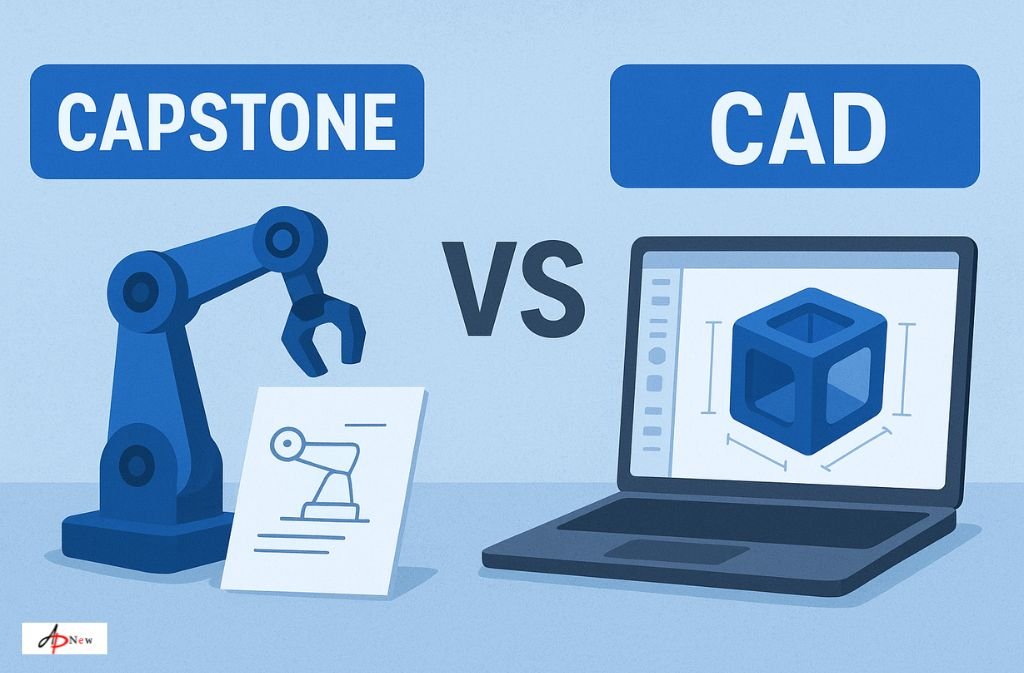
You’re staring at your course project or a work assignment and see “Capstone software.” Instantly, the thought hits: Is this the same thing as CAD? If you’ve scrolled forums, Reddit threads, or even Googled it, you know how messy the answers can be. Spoiler alert: it’s confusing, but it’s not your fault.
Here’s the short answer: Capstone isn’t traditional CAD software. But it does hang out in the same circles, especially in education and project workflows. That little sentence doesn’t really tell the whole story, though. Let’s unpack what CAD actually is, why Capstone gets mixed up with it, and which tool you really need.
What Makes Software CAD?
CAD stands for Computer-Aided Design. In simple terms, it’s the software that lets engineers and designers create precise 2D drawings and 3D models—everything from the drone you’re tinkering with to the bridge downtown.
Think of CAD like your digital drafting table—but with superpowers. Here’s why it’s different from drawing in Paint or SketchUp:
- Precision is everything: CAD lets you measure to fractions of a millimeter. Every curve, hole, and edge matters.
- Technical drawings: You can generate schematics with annotations and measurements that manufacturers actually use.
- 3D modeling & simulation: Rotate it, stress-test it, see how it fits in real life. Modern CAD isn’t just about looks—it’s about function.
Big names include AutoCAD, SolidWorks, Fusion 360, CATIA, and Inventor. If you’re serious about engineering or product design, these are the tools that matter.
So, What Is Capstone Software?
Here’s where things get messy. “Capstone software” doesn’t refer to one magic CAD program. People use the term in a few ways:
- Capstone Technologies: A company offering CAD consulting, training, and support. They don’t build CAD software—they make sure you use AutoCAD, Revit, or Fusion 360 effectively. Think of them as guides, not the car itself.
- Capstone projects: Those big, final-year assignments in engineering programs. Students often use CAD software to design parts, assemblies, or systems. So when someone says “Capstone,” they might just mean the project that uses CAD.
Bottom line: There’s no single Capstone CAD program out there. It’s either a company, a project, or a framework for learning—but not a software you download to model parts.
Why People Confuse Capstone with CAD
- Students working on capstone projects always use CAD, so the words show up together online.
- Capstone Technologies offers CAD services, which makes it look like “Capstone” is CAD software.
Think of it this way: Capstone is the driving instructor; AutoCAD or SolidWorks is the car. You learn, practice, and execute in the software—they just guide the way.
How Capstone Projects and CAD Tools Intersect
Even though Capstone isn’t CAD software, it’s hard to separate the two in real-world scenarios.
- Student Projects: A mechanical engineering student designing a robotic arm will likely use Fusion 360 to model every gear and joint. The assignment is the “capstone project,” but the modeling is pure CAD.
- Robotics Competitions (FTC/FRC): Teams create “capstone-level” robots using CAD to visualize assemblies, check tolerances, and plan wiring. Students often say they “worked in Capstone software,” but they really mean they used CAD for a capstone project.
- Professional Workflows: Companies might hire Capstone Technologies to implement CAD systems or provide training. The design still happens in AutoCAD, SolidWorks, or Revit—it’s just that Capstone ensures teams can do it efficiently.
Choosing the Right Tool for Your Needs
Now that we know Capstone isn’t CAD, which software should you actually use?
For Students
- Fusion 360: Free educational license, powerful 3D modeling, and beginner-friendly.
- SolidWorks or AutoCAD: Standard in many universities and mechanical/civil engineering programs.
- FreeCAD or Tinkercad: Great for learning fundamentals or hobby projects. Tinkercad is browser-based and extremely easy for quick prototypes.
For Professionals
- AutoCAD, Inventor, CATIA: Essential for mechanical, civil, or aerospace projects.
- Revit or ArchiCAD: Focused on architecture and civil engineering.
- Service Providers like Capstone Technologies: Ideal if your team needs implementation support, custom workflows, or CAD training. They don’t replace CAD software but make it work better.
Tip: You don’t need to learn every feature. Focus on the essential tools for your field, then expand as needed.
Common Misconceptions About CAD
- “CAD is unnecessarily complex.”
Yes, it’s complicated—but intentionally. CAD handles precision, parametric updates (change one dimension, the rest adjusts automatically), and manufacturing-ready documentation. It’s solving real engineering problems, not making pretty pictures. - “I need to master everything.”
Professional CAD users often only use 20–30% of a software’s functionality. Learn the essentials for your project or career first. - “CAD is only for engineers.”
Not true. Product designers, architects, hobbyists, and even filmmakers use CAD. The skill is transferable.
Real-Life Examples of Capstone + CAD
- Robotics: A team designs a robot chassis in SolidWorks, simulates movement, and prints parts on a 3D printer. The “Capstone” is the project; CAD is the tool.
- Architecture: Students create a virtual building model in Revit for their capstone thesis. Every beam, vent, and window is designed in CAD software.
- Mechanical Engineering: A student designs a gearbox assembly in Fusion 360, then tests gear ratios and clearances digitally before creating physical prototypes.
FAQs
Q1: Is Capstone Technologies a CAD software company?
No. They offer consulting, training, and support for CAD software but do not develop it.
Q2: What CAD software should I use for a capstone project?
Depends on your field. Mechanical engineers: SolidWorks or Fusion 360. Civil engineers: AutoCAD Civil 3D or Revit. Architecture: Revit or Rhino. Always check if your school provides free licenses.
Q3: Can I download Capstone software for free?
There’s no standalone Capstone software. For free CAD tools: Fusion 360 (students), FreeCAD, or Tinkercad.
Q4: Why do people search “is Capstone software considered CAD”?
Because capstone projects frequently use CAD, and Capstone Technologies provides CAD services. The overlap creates confusion.
Q5: Is CAD harder to learn than other design tools?
Slightly. CAD is built for precision and parametric modeling. With tutorials and consistent practice, you can grasp fundamentals in a few weeks.
Q6: Can Capstone help me if I don’t know CAD?
Yes. Companies like Capstone Technologies can train teams, implement workflows, and provide ongoing support—but the actual design work still happens in standard CAD tools.
Pros and Cons: Using Capstone With CAD
Pros:
- Access to expert guidance and training.
- Optimized CAD workflows for teams or projects.
- Faster adoption of complex software.
Cons:
- Capstone itself is not CAD; you still need software licenses.
- Consulting services may have costs.
- Learning CAD independently is still necessary for hands-on work.
Final Thoughts: Navigating Capstone vs CAD
So, is Capstone software considered CAD? Not really. Capstone is a service provider or project framework, while CAD software is the actual design tool.
For students: focus on learning a real CAD program for your capstone project. For professionals: Capstone Technologies can help optimize workflows, but you still need AutoCAD, SolidWorks, or Fusion 360 for actual design.
Understanding the difference clears the confusion and saves time chasing a phantom “Capstone CAD” program. Pick the right CAD tool for your field, practice consistently, and you’ll be designing like a pro in no time.
For more, visit: apnew.co.uk









Post Comment